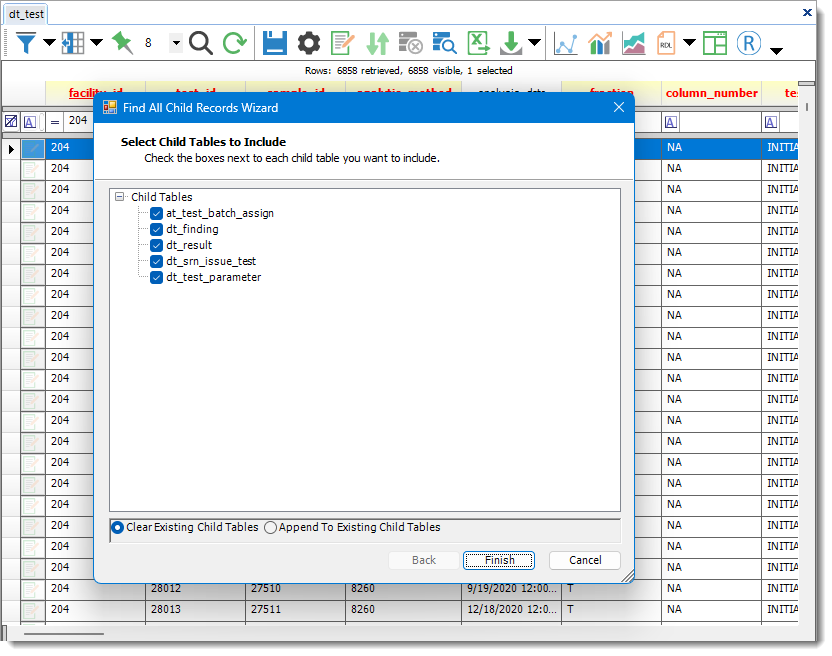
The Find All Child Records feature allows users to search for records in child tables. To use this feature, first select a record or records in an open table and then click the Find All Child Records  icon located in the grid toolbar. This opens the Find All Child Records Wizard, allowing selection of the specific child tables to search.
Note: Please clear the workspace after using the Find All Child Records button prior to attempting to reopen any child tables. Otherwise, a message such as the following may appear: A DataTable named '[table name]' already belongs to this DataSet. |