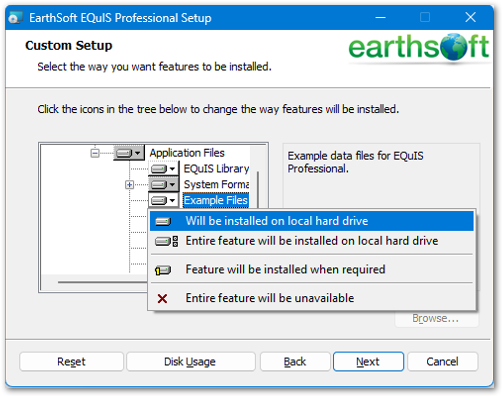
When using the EQuIS Professional Setup Wizard, example files are set to be installed by default. The files are installed in the EarthSoft\EQuIS\Examples folder and provide example EQuIS data, EDDs, and templates. The example files are:
•Useful aids when learning to use EQuIS
•Helpful when following along with a demonstration or Office Hours presentation